It started with a book
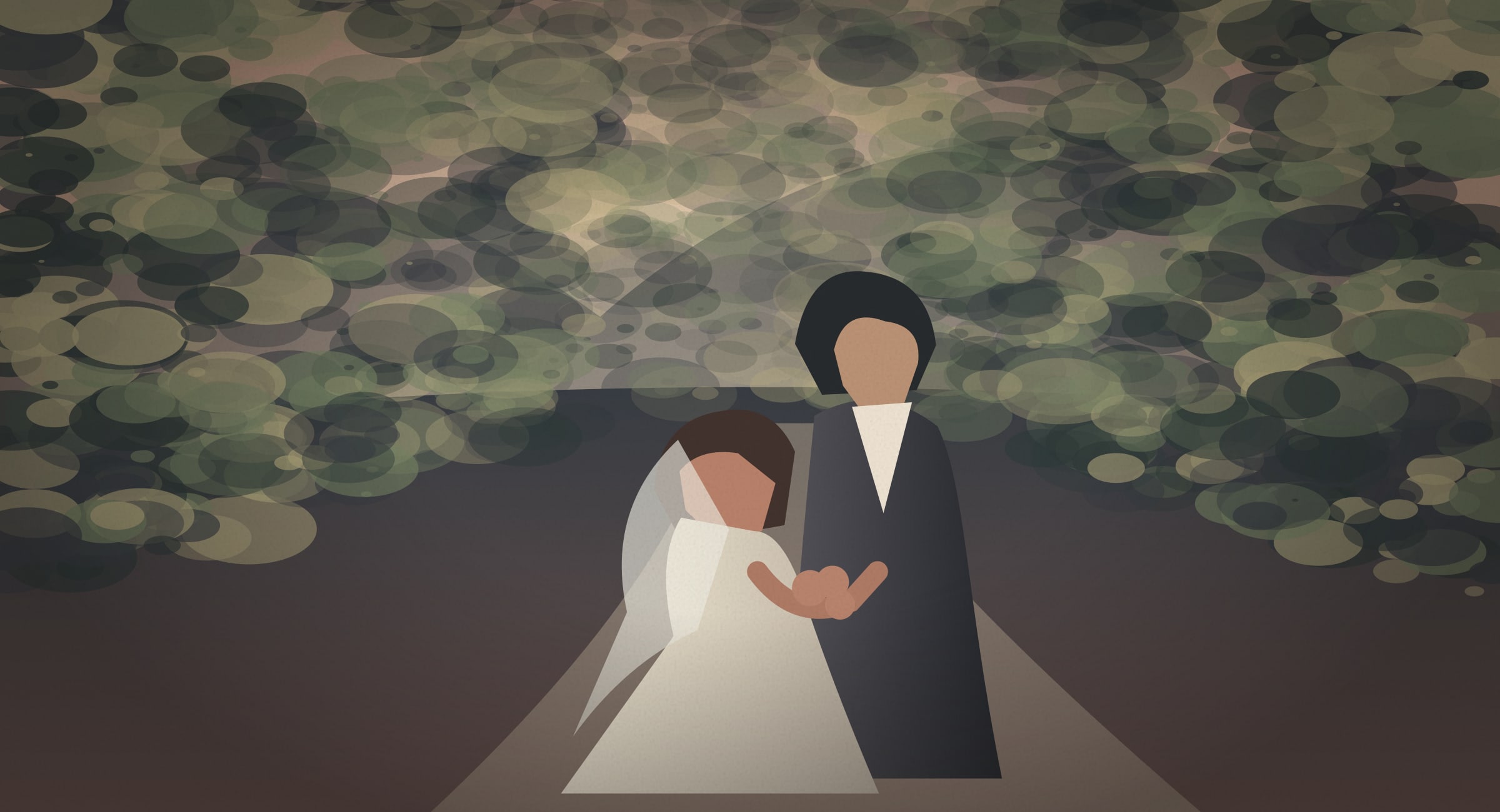
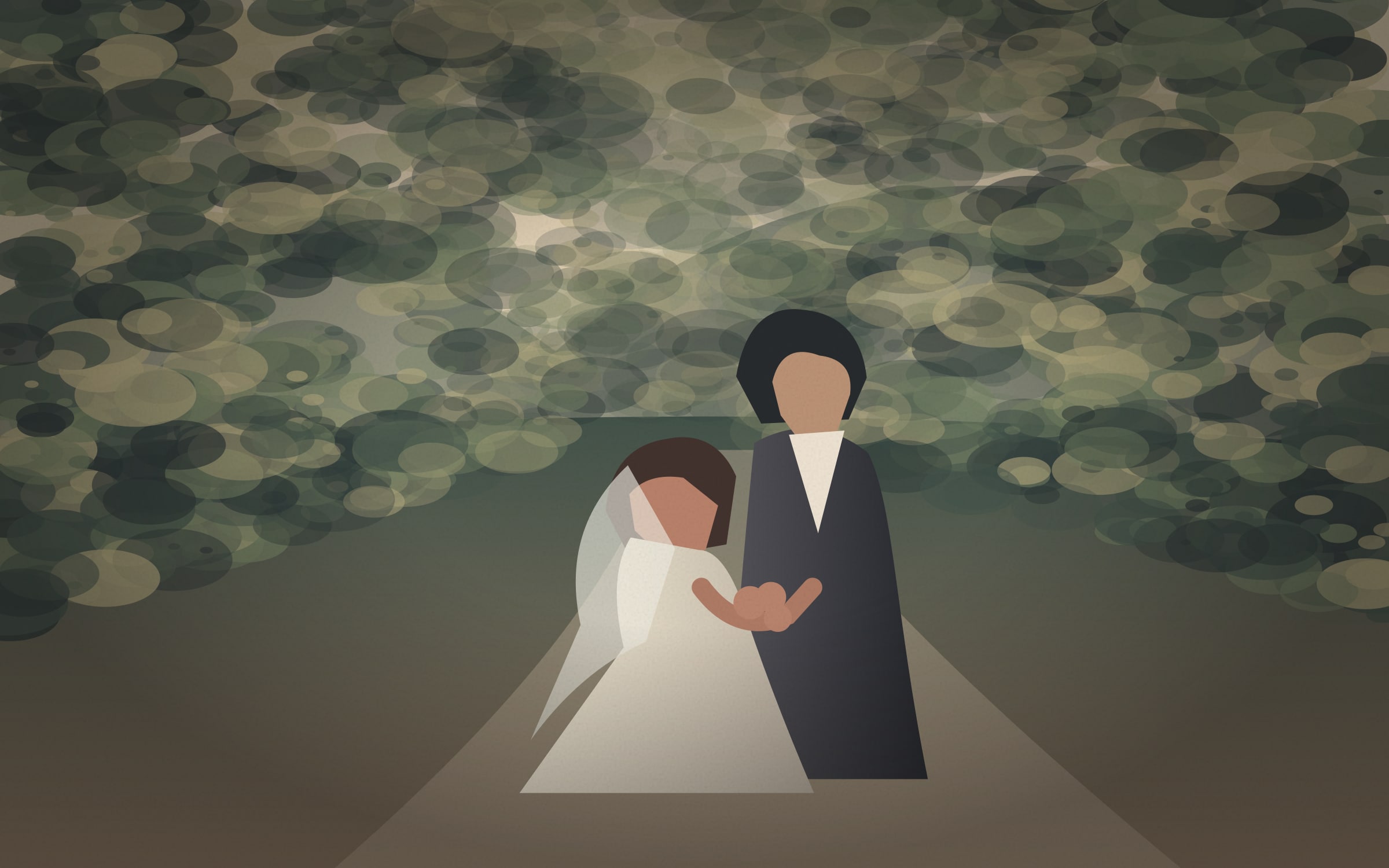
Clara and Julian reached for the same dog-eared road atlas on a rainy Saturday in Portland.They shared a coffee, then used the atlas to plan their first weekend road trip. Six years later, Julian proposed in the same bookstore. He slipped a note with the date insidethe old atlas.
“Our favorite place is anywhere we get to be together.”
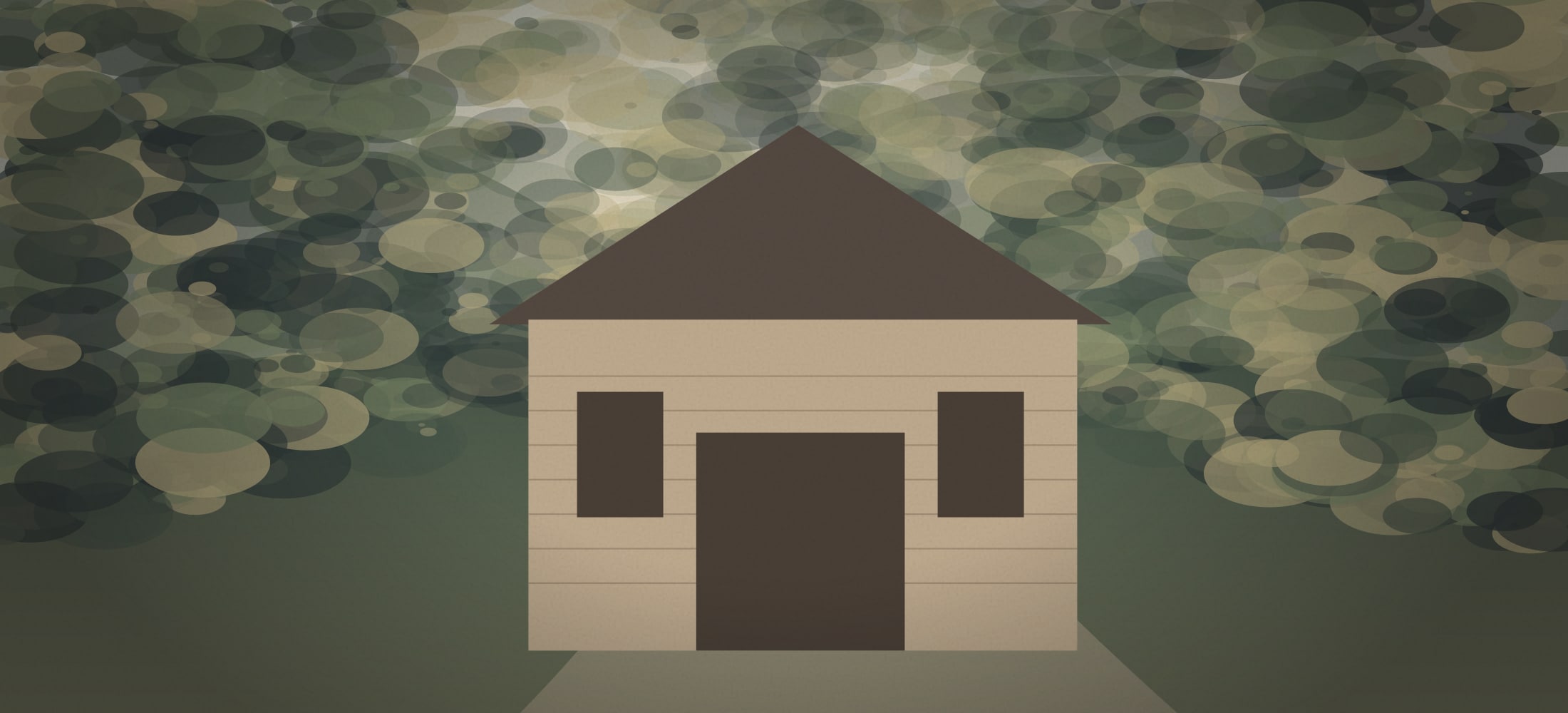
The garden path leads to the barn for dinner.
Maid of honor / Sophie BennettBest man / Daniel Park
02WEDPAPERPACK PREVIEWWEDPAPERPACK PREVIEWWEDPAPERPACK PREVIEWWEDPAPERPACK PREVIEWWEDPAPERPACK PREVIEWWEDPAPERPACK PREVIEWWEDPAPERPACK PREVIEWWEDPAPERPACK PREVIEWWEDPAPERPACK PREVIEWWEDPAPERPACK PREVIEWWEDPAPERPACK PREVIEWWEDPAPERPACK PREVIEWWEDPAPERPACK PREVIEWWEDPAPERPACK PREVIEWWEDPAPERPACK PREVIEWWEDPAPERPACK PREVIEW
The order of the day
4:00 PM Ceremony / The orchard4:45 PM Drinks & photos / The terrace6:00 PM Dinner & toasts / The barn7:30 PM First dance / The dance floor
At the table
Seasonal greens, roasted salmon or mushroom risotto, and a slice of blackberry cake.
• Their first road trip was to the Oregon coast.• Their first dance song is from the road trip playlist.
03WEDPAPERPACK PREVIEWWEDPAPERPACK PREVIEWWEDPAPERPACK PREVIEWWEDPAPERPACK PREVIEWWEDPAPERPACK PREVIEWWEDPAPERPACK PREVIEWWEDPAPERPACK PREVIEWWEDPAPERPACK PREVIEWWEDPAPERPACK PREVIEWWEDPAPERPACK PREVIEWWEDPAPERPACK PREVIEWWEDPAPERPACK PREVIEWWEDPAPERPACK PREVIEWWEDPAPERPACK PREVIEWWEDPAPERPACK PREVIEWWEDPAPERPACK PREVIEW